See also Byobu.
See also our older article: Using screen for support and/or surveillance.
First simple steps
The command tmux starts a tmux server and opens a new session with a (pseudo) terminal:
shell> tmux
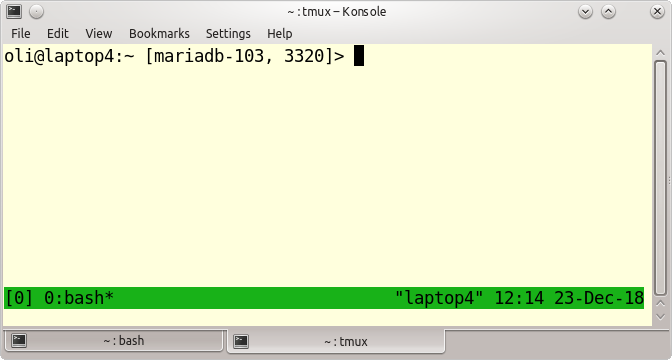
To leave a tmux session again just type Ctrl+d inside your tmux session or:
tmux> exit
If you want to give a tmux session a specific name you can start tmux as follows to created a named session:
shell> tmux new -s mariadb
or if you are already inside tmux:
tmux> Ctrl+b $
followed by a …


